For brains that ignore notifications

Your phone rings.
You actually do it.

FocusCall is the personal assistant that calls you when a task is due — and keeps calling until you pick up. Notifications get muted. A ringing phone doesn't.

Your number only Verified consent Cancel anytime
A person picking up a FocusCall reminder and smiling
FocusCallincoming · now
“I'm on it”pressed 1 · done
One notification = zero notifications Interrupt me at the right moment Call me like a real assistant It doesn't give up One notification = zero notifications Interrupt me at the right moment Call me like a real assistant It doesn't give up
Why a call, not a ping

Notifications ask politely.
A call insists.

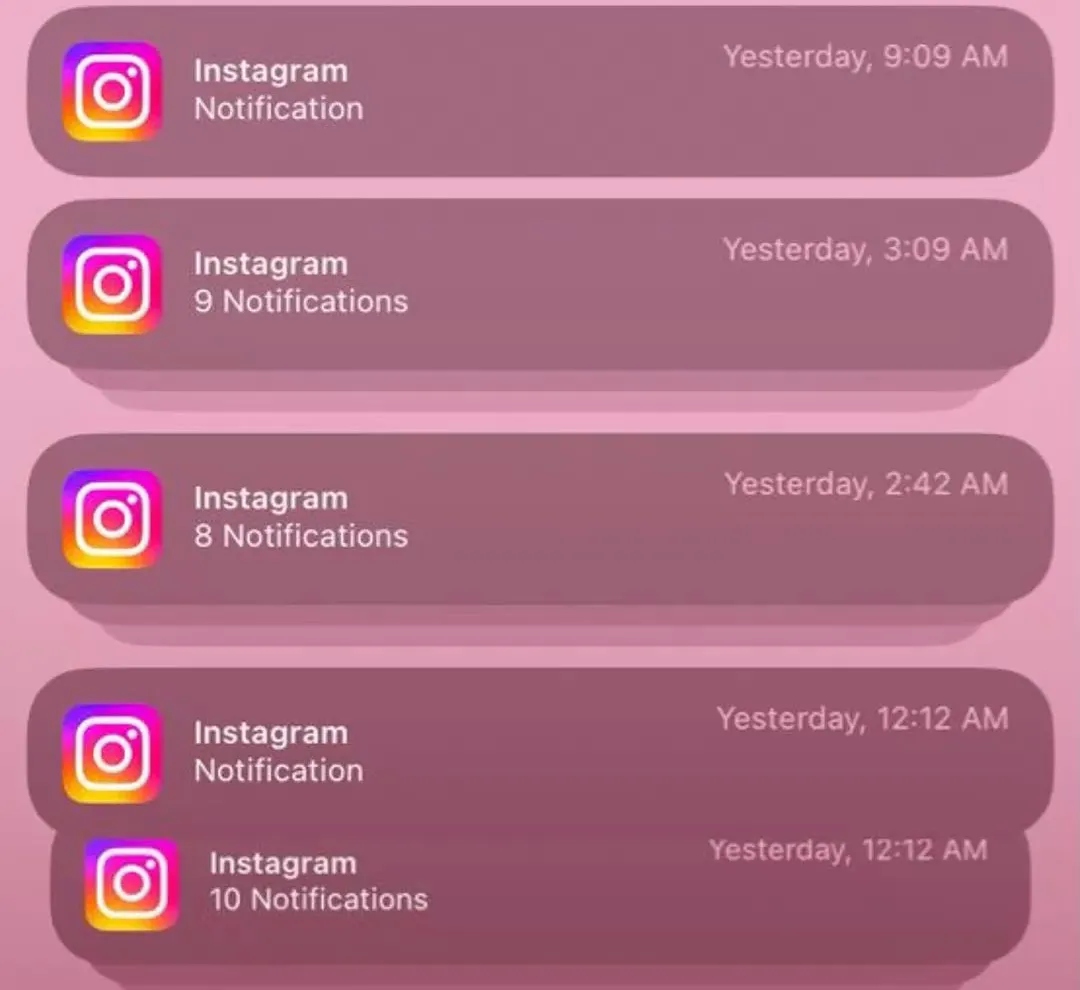
Push notifications blend into a wall of badges you've trained yourself to swipe away. A phone call demands a binary decision: pick up, or don't. That tiny moment of friction is exactly what an ADHD brain needs to switch tracks.

A push notification

  • Silently stacks with 40 others
  • Swiped away on reflex, unread
  • Gives up after one try
  • Easy to "deal with later" forever

A FocusCall

  • Rings — full screen, full attention
  • Needs a real answer to dismiss
  • Calls back until you respond
  • Turns "later" into "right now"
How it works

Three steps. Then it does
the remembering.

Tell it the task

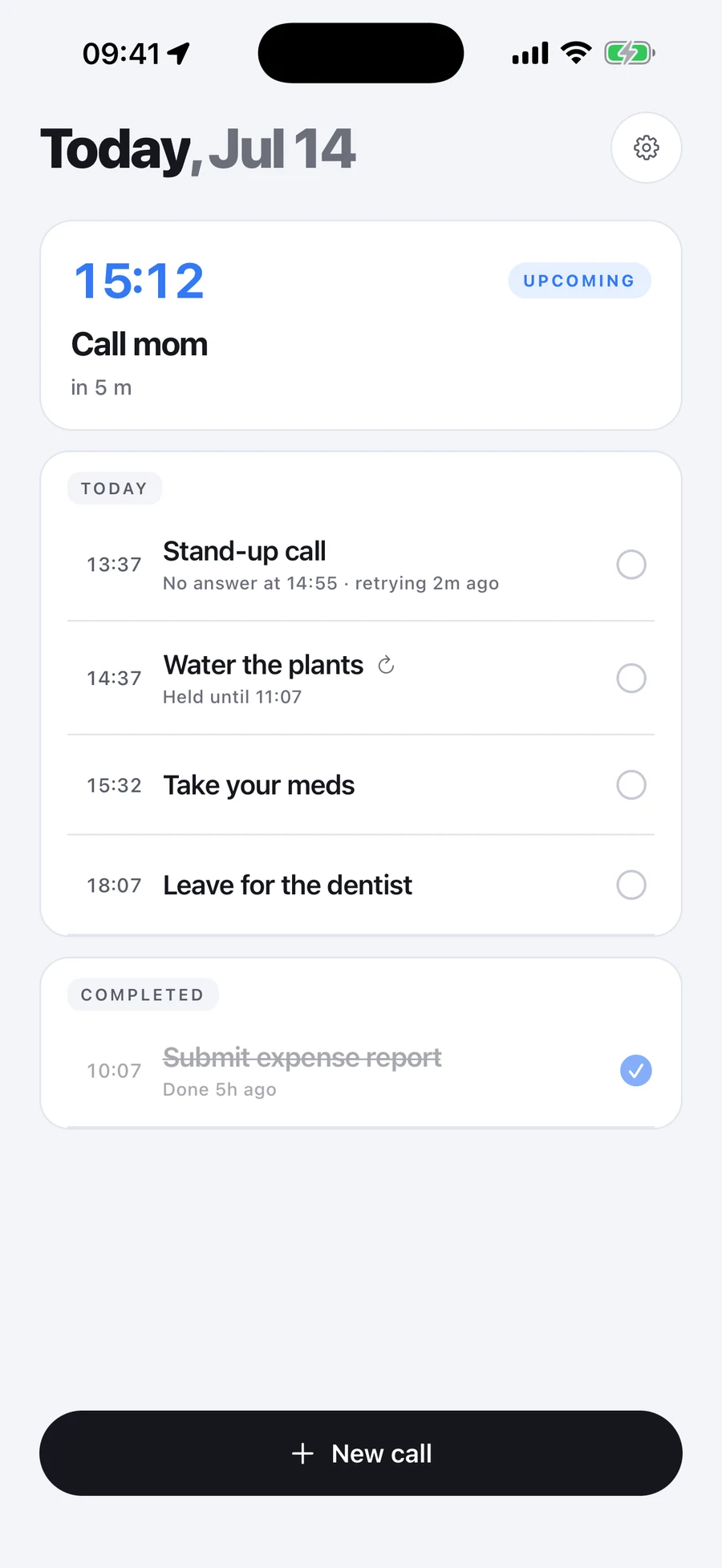
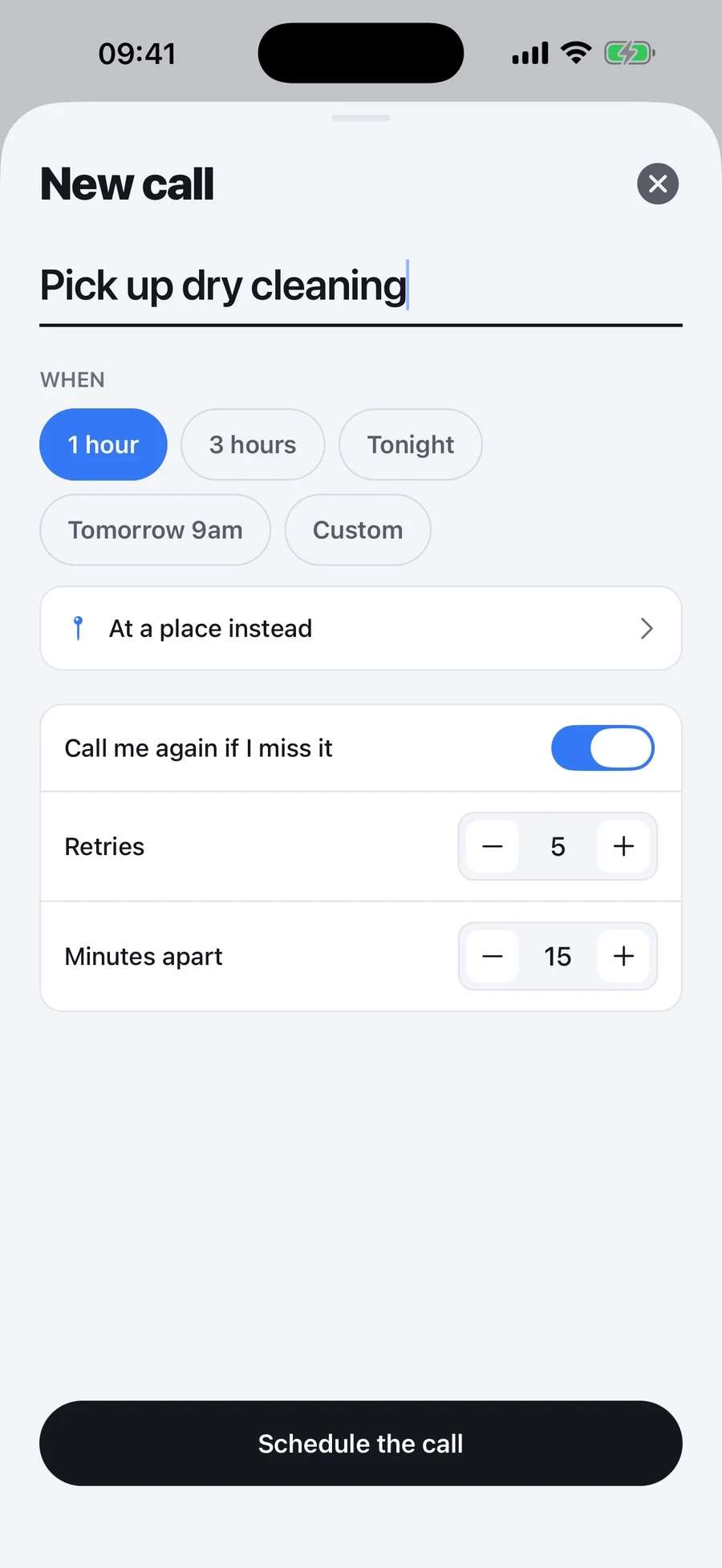
Add what you need to do and when. Set it once, or have it recur daily, on weekdays, or weekly.

It calls you

At the moment it's due, your phone actually rings. A warm, plain-spoken voice tells you the one thing to do.

It doesn't give up

No answer? Nag Mode calls back a few minutes later — as many times as you choose — until you actually respond.

In-call controls

When it calls, one key
does everything.

No app to open, no typing. Answer and press a number — the way you'd tell a real assistant what to do next. Try it 👇

You pressed
1
I'm on it.

The task is marked done and the calls stop. That's the whole interaction — done in two seconds, without breaking your flow.

Tap a key on the pad to see what it does.

Built for the way you actually work

Designed around ADHD,
not bolted on.

Nag Mode

One try is never enough. Choose how many times and how often it calls back, so a missed reminder isn't a missed task.

Scripts that change

Every call uses different, warm wording — so it never fades into robotic background noise your brain learns to tune out.

Snooze that sticks

Press 2 for an hour or 3 for tomorrow. It reschedules itself — no guilt, no re-typing, no dropped balls.

Consent-first by design

We only ever call your own number — verified with a one-time code before any call. Press 0 to stop all calls, instantly.

No shame, ever

The voice is the encouraging friend, not the nagging parent. ADHD-friendly tone that meets you where you are.

Sign in, set, forget

Sign in with Apple or Google, add your number once, and you're set. No passwords, no clutter, no setup marathon.

Memory, backed up

No more
“I forgot.”

Your brain doesn't have to hold the whole list anymore. FocusCall keeps the time, makes the call, and refuses to let the important stuff slip — so you can stop white-knuckling your own memory.

Get early access
A happy FocusCall user smiling
Simple pricing

Start free.
Upgrade when it sticks.

Try it with no commitment. If FocusCall earns a place in your day, paid plans unlock unlimited nudges.

Free
$0
to try it out
  • 5 reminder calls / month
  • 1 / 2 / 3 / 9 / 0 in-call keys
  • Verified, consent-first calling
Start free
Most popular
Pro
$9.99/mo
for daily reliance
  • Up to ~15 calls a day
  • Full Nag Mode escalation
  • Recurring reminders & snooze
  • Rotating, shame-free scripts
Get early access
Pro+
$19.99/mo
for the heaviest days
  • Up to ~30 calls a day
  • Everything in Pro
  • Priority for upcoming features
Get early access

Billed through the App Store. Cancel anytime. Final launch pricing may change.

+ you

Stop remembering.
Start doing.

FocusCall is launching soon on iOS. Join the early-access list and be among the first to get a call from your new assistant.

Get early access